

Touchless Biometric Access is shaking up the way homes, offices, and public spaces secure entry—driven by a rapid shift towards contact-free living and smarter security needs. As AI brings facial recognition and palm recognition everywhere from airports to hospitals, it’s essential to understand what’s real, what’s hype, and how you can use this technology for practical, future-ready access control.
Key Takeaways
- The contactless biometrics market is booming, with forecasts predicting growth from up to USD 22.8 billion in 2024 to USD 96.4 billion by 2034.
- Government and healthcare lead adoption, but smart homes and commercial uses are rising—driven mainly by facial and palm recognition technology with AI integration.
- Choosing and deploying touchless biometric access systems requires understanding device limits, privacy risks, and integration pitfalls to avoid costly setbacks.
- The Core Concept: Biometric Access without Touch
- Step-by-Step Guide: Deploying Touchless Biometric Access
- Advanced Analysis & Common Pitfalls
- Conclusion
- FAQ
The Core Concept: Biometric Access without Touch
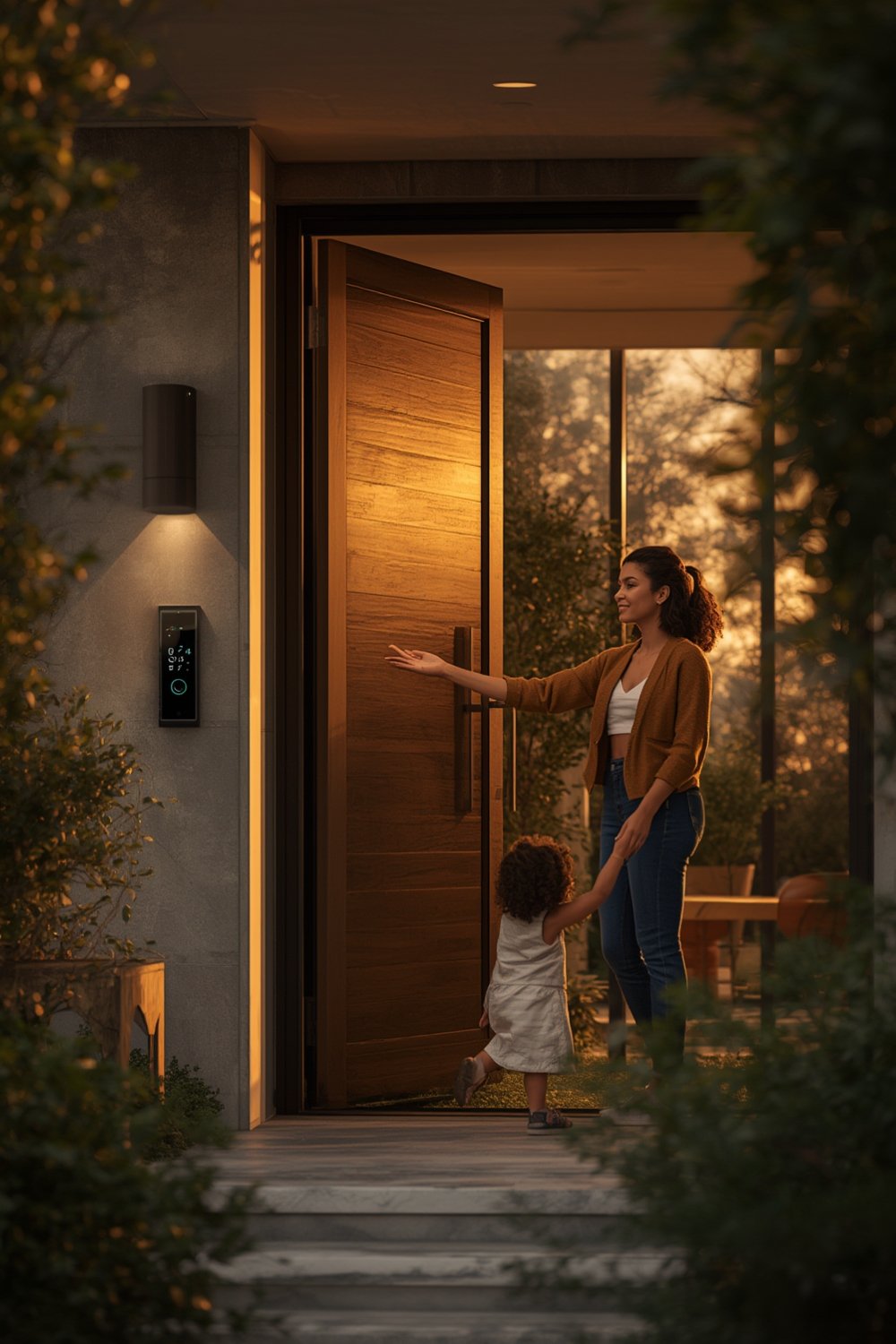
Biometric access uses unique physical characteristics—like your face or palm—to verify identity and unlock doors or systems. Touchless biometric access eliminates the need to touch pads or sensors. Instead, you simply look at a camera or wave your palm, making access hands-free, more hygienic, and faster. AI and machine learning enhance accuracy, recognizing users even with masks or gloves. This technology is moving from airports and hospitals to everyday homes and offices, offering a blend of security and seamless convenience. Market research shows the sector soaring, led by North America (over 32% of 2024 market share), and heavily deployed in government and healthcare facilities. The growth is powered by ever-improving AI-driven software, which made up 44.5-46% of industry revenue in 2024. Source.
Step-by-Step Guide: Deploying Touchless Biometric Access
Ready to implement a touchless biometric access system at home or work? Follow these steps for a streamlined, realistic deployment:
- Assess Needs & Entry Points: Identify where secure, touchless access makes sense—front doors, server rooms, labs, or smart-home entryways. Consider integration with your broader smart home or commercial systems. For whole-home smart upgrades beyond entrances, check out these smart home improvement tips.
- Select the Right Technology: Choose from facial recognition, palm scanners, or hybrid systems. Consider device compatibility, vendor support, and whether you need local or cloud data storage. Facial recognition is convenient but sometimes falters in low-light. Palm scanners work even with gloves but can have higher upfront costs.
- Check Compliance & Privacy: Verify that the device is compliant with relevant privacy laws (GDPR, CCPA) and uses up-to-date encryption. Demand clear documentation on data storage, retention, and deletion policies.
- Installation: Most devices offer DIY kits, but professional installers can integrate with alarms or broader smart home platforms. Position sensors at average face or hand height for your users and in locations where lighting is optimal. Be realistic—complex installations may require wiring or a Wi-Fi upgrade. For DIY smart upgrades, review our affordable home improvement ideas as well.
- Enroll Users: Have each intended user register their face or palm. For commercial settings, consider multi-factor authentication—mixing biometrics with code or key card for sensitive areas.
- Set Up Alerts & Integrations: Connect your biometric device to mobile apps for real-time notifications of access attempts. Integrate with smart lighting for security events, as seen in circadian rhythm smart lighting setups.
- Test Everything: Run regular drills—simulate errors, lost devices, and network outages. Confirm that backup access (keypad or mobile unlock) works before making touchless biometrics your sole method.
- Routine Maintenance: Keep firmware updated, clean camera lenses or palm scanners, and review access logs regularly to catch suspicious activity.
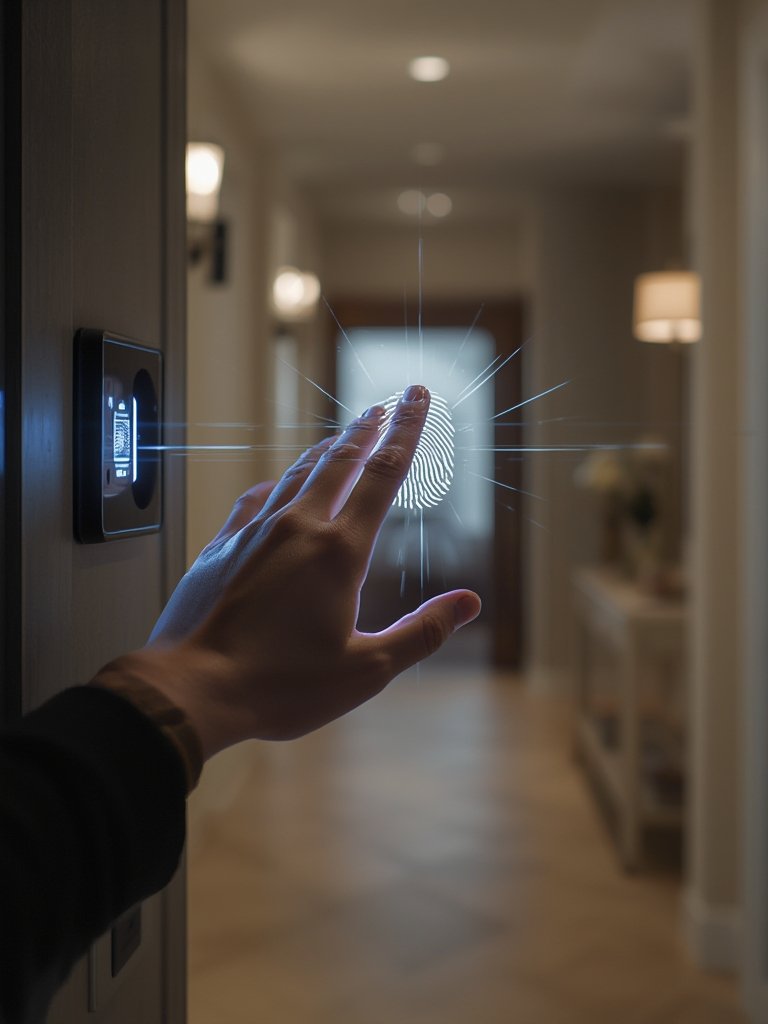
Once set up, encourage users to periodically update biometric records, especially after major appearance changes like haircuts or facial injuries. And always communicate a clear privacy policy: explain to family, staff, tenants or guests exactly how their biometric data is used.
For more on full-home automation that expands beyond door access, don’t miss our guide to robot vacuums for stairs and multi-level cleaning and our deep dive on AI-powered home assistants—helping you build a truly future-ready smart environment.
Advanced Analysis & Common Pitfalls
The global touchless biometric access market is expanding rapidly, but implementation is rarely as simple as plug-and-play. Here’s where the realistic challenges arise—and where technology may fall short of expectations:
- False Rejections: Face or palm recognition can fail for twins, children, or elderly users whose features change or are harder to scan. Glasses, hats, or changes in facial hair can create difficulties.
- Environmental Limits: Outdoors, changing sunlight or weather may reduce sensor reliability. Palm scanners can struggle with very dry, wet, or dirty hands.
- Data Privacy & Compliance: Weak data protections or unclear vendor policies risk exposing sensitive biometric information. Always confirm compliance with your region’s privacy laws before deployment.
- Upfront and Hidden Costs: While software drives much of the value (over 44% of market share), quality hardware and reliable installation often command a premium. Maintenance, upgrades, and support contracts add ongoing expense. For more ways to protect your investment, see our content optimization and long-term value tips.
- Vendor Lock-in: Proprietary platforms can limit integration with broader home or building automation systems, forcing future replacement if your needs change.
- Emergency Backup: Power or internet outages can lock out users unless you’ve set up robust backup unlocking (keypad, mechanical key, or mobile app). Always test these before going live.
Here’s a practical side-by-side comparison table summarizing key strengths and weaknesses for the most common touchless biometric access technologies:
| Technology | Strengths | Weaknesses |
|---|---|---|
| Facial Recognition | Hands-free; fast; works through glass; adaptable with masks | Affected by lighting; privacy concerns; can struggle with hats/glasses or identical twins |
| Palm Recognition | High accuracy; resilient with gloves or superficial injuries | Higher device cost; sensitive to hand cleanliness/moisture |
| Iris Recognition | Extremely secure; not impacted by weather or facial hair | Slow scan time; awkward for very young/old users; can feel intrusive |
The industry is shifting quickly, with governments (31% of global usage) and healthcare (28%) leading the way. AI-powered improvements mean error rates are falling, but consumer options for residential and small-business remain diverse in reliability and price. Full market analysis here | More data.
Conclusion
You now know how touchless biometric access is reshaping security and convenience. With a market on track to quadruple in under a decade, staying informed about the tech’s strengths, weaknesses, and deployment best practices gives you a clear edge. Don’t forget to assess system integration, ongoing costs, and privacy protections up front to avoid future headaches. Ready to upgrade your entryway or protect your business with touchless biometrics? Start with a concrete plan, test thoroughly, and embrace technology for a safer, smarter environment.
Take the first step and evaluate your space for touchless biometric access—bring the future of security to your doorstep today.
FAQ
Is touchless biometric access reliable for homes?
Reliability has improved with AI enhancements, but lighting, sensor placement, and user enrollment still impact performance. Always set up a backup unlocking method.
What are the main privacy concerns with biometric locks?
Storing sensitive biometric data requires strong encryption and clear privacy policies. Using devices from trusted, regulation-compliant vendors is critical.
Can I install a touchless biometric system myself?
DIY kits are common for residential use, but professional installation ensures better integration with alarms and network security for commercial setups.
How much does a touchless biometric access system cost?
Costs range from around $200 for basic residential locks to several thousand for advanced commercial or government-grade systems—not including ongoing support or maintenance.
Will facial recognition still work if I’m wearing a mask?
Modern systems trained with AI can often recognize faces with masks, but accuracy may drop. Consider palm or multi-biometric options for higher security.
 Email Submit Button: “Get Free Guide Now”