

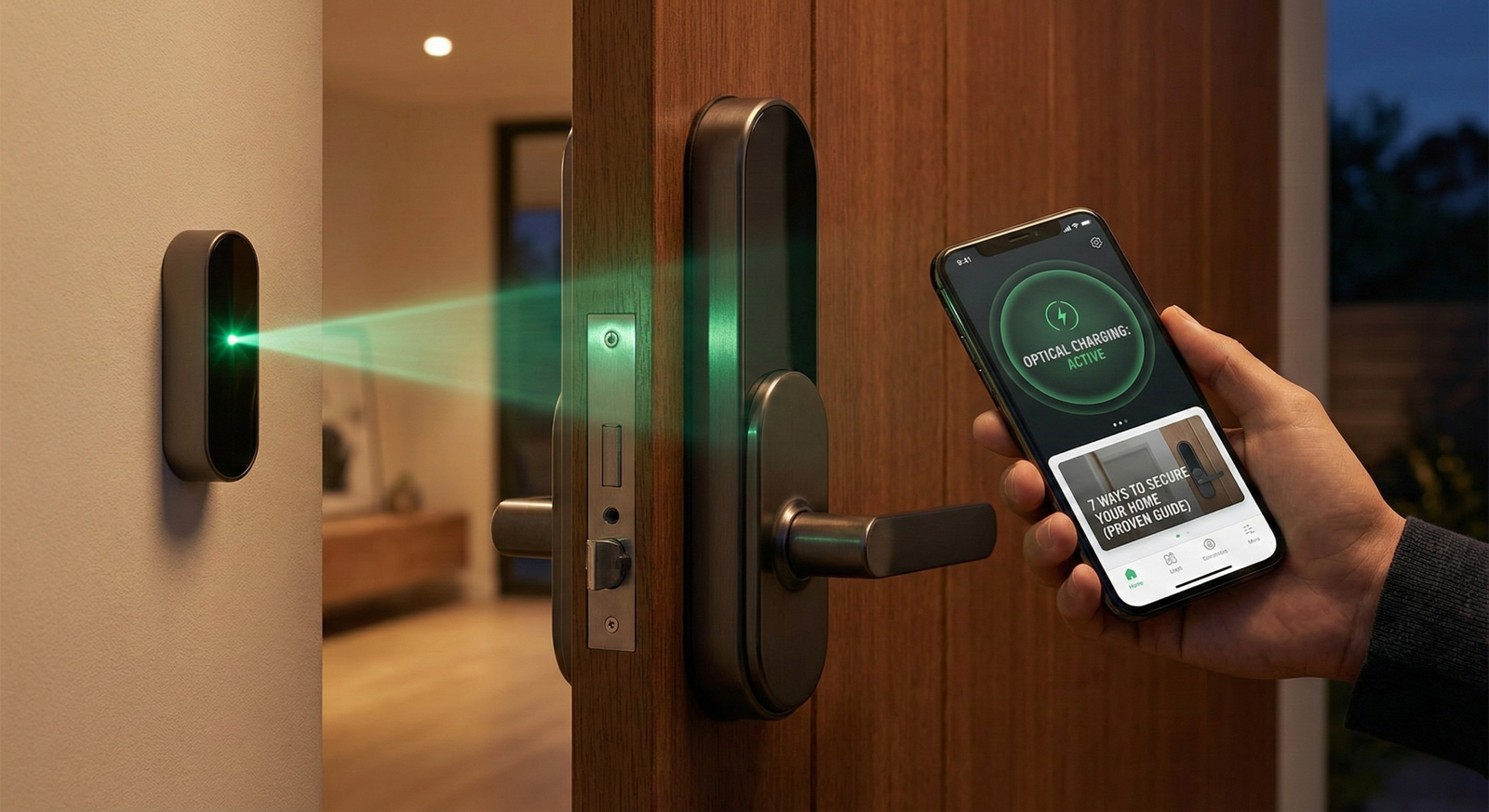
Optical Wireless Charging Smart Lock technology is changing how homeowners secure and power their doors in 2026. For anyone frustrated by dead batteries or the hassle of changing them, these locks promise real peace of mind: a maintenance-free, always-on smart lock experience that is finally possible thanks to rapid advances in optical power delivery and security integration.
Key Takeaways
- Optical wireless charging smart locks power themselves automatically using eye-safe infrared beams, eliminating the need for battery changes or plugging in.
- These smart locks offer robust security with triple biometric authentication and Matter protocol support for seamless smart home integration.
- While promising, installation complexity and untested real-world reliability mean buyers should weigh the pros, cons, and costs before upgrading.
- The Core Concept: What Is an Optical Wireless Charging Smart Lock?
- Step-by-Step Guide: How to Install and Use Optical Wireless Charging Smart Locks
- Advanced Analysis & Common Pitfalls of Optical Wireless Charging Smart Locks
- Conclusion
- FAQ
The Core Concept: What Is an Optical Wireless Charging Smart Lock?
Optical Wireless Charging Smart Locks, such as the Lockin V7 Max, are advanced access control devices that draw power from a wall-mounted optical unit emitting a safe infrared beam. This energy charges the lock’s internal batteries—even a backup battery—without requiring sunlight, cables, or battery swaps. Using infrared, rather than visible or solar power, means the system delivers continuous energy even in shaded or indoor locations.
What sets these locks apart is that you can install them once and forget about battery maintenance entirely. The smart lock’s main value: a dependable, zero-hassle entry system leveraging next-generation security features like vein and facial recognition, plus essentials for tech-enabled homes such as support for the Matter smart home protocol.
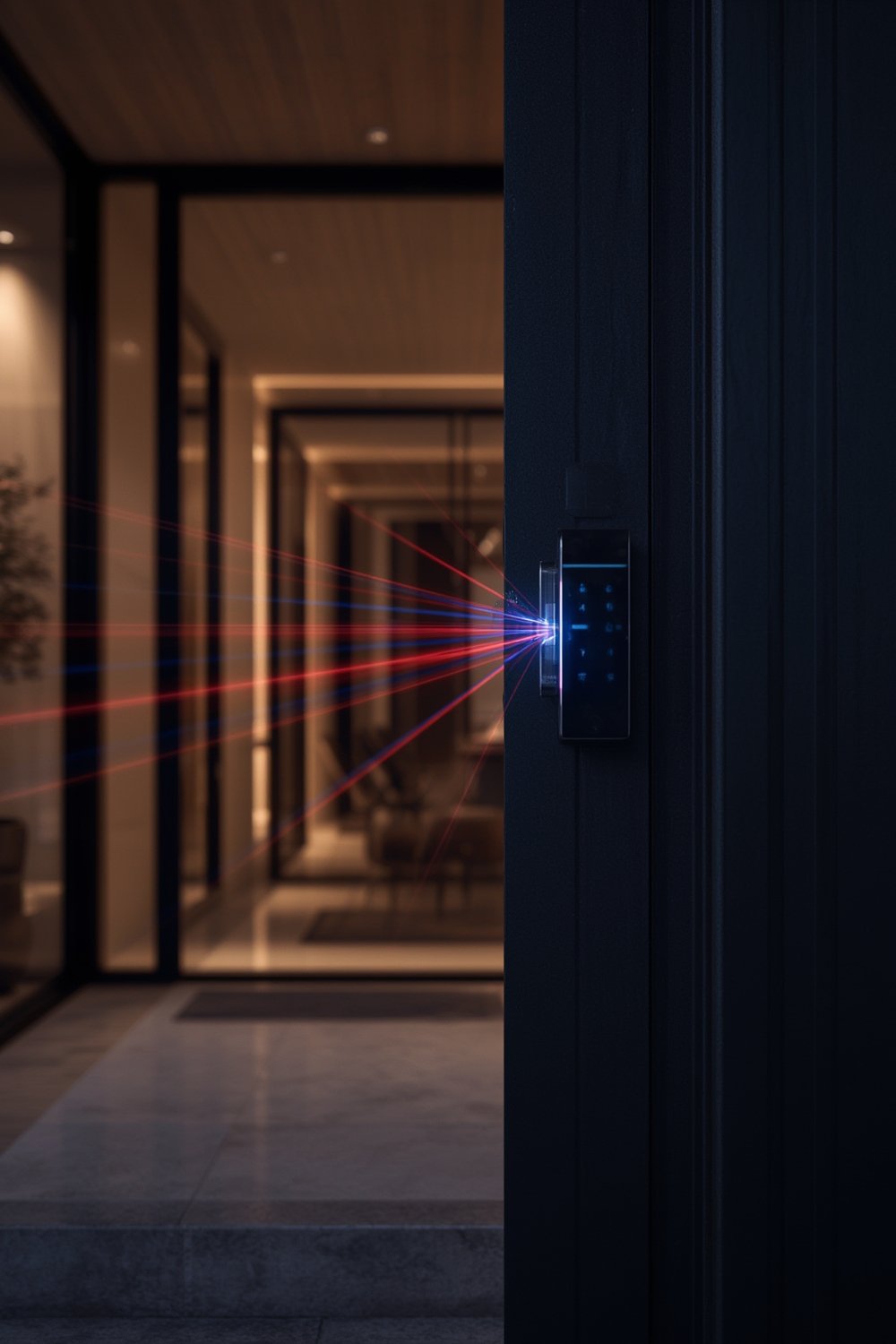
Unlike traditional battery-powered or solar-powered locks—such as Lockin’s own perovskite-solar models—optical wireless smart locks stay powered whatever the season or weather, as long as the optical unit and receiver remain aligned within its four-meter operational range.
For those exploring major smart upgrades, this technology can be paired with other connected home solutions such as whole-home cleaning robots (stair climbing robot vacuums) and smart home improvement projects. But, as with any new innovation, a realistic understanding of installation, cost, and pitfalls is essential.
Step-by-Step Guide: How to Install and Use Optical Wireless Charging Smart Locks
Ready to upgrade to an optical wireless charging smart lock? Here is how the process works, including important considerations along the way:
- Review compatibility and home requirements.
Before purchase, confirm your door can accommodate a new smart lock—with a 15mm front panel on the V7 Max, most modern doorframes will work. Check that an electrical outlet or suitable hard-wiring is available within four meters of the lock on the wall where the charging unit will be installed. - Install the wall-mounted optical charging unit.
This device sends out the infrared beam necessary for the lock’s power. Carefully position it on a wall directly facing the smart lock’s receiver, avoiding furniture or obstacles that might block the path. Secure wiring as needed for safety. - Mount the smart lock hardware.
Attach the lock body to your door, following the manufacturer’s templates and ensuring proper alignment for both biometric sensors and charging receiver. - Connect to your home network and integrate with smart home hubs.
Use the lock’s app or on-device touchscreen to join your Wi-Fi network. Pair it with compatible platforms such as Google Home, Apple HomeKit, Amazon Alexa, or Samsung SmartThings via Matter protocol. Test for successful integration—ease of integration may depend on your specific devices and network setup. - Enroll biometrics and set up user permissions.
Register fingerprints, facial recognition data, and palm/finger vein patterns for all household members. Set access schedules or guest permissions according to your needs. - Verify the optical charging link.
After everything is installed, confirm that the charging unit’s beam is correctly aligned and actively powering both the main and backup battery in the lock. Some units signal this via app notifications or physical status lights. - Test entry and remote locking functions.
Use the biometric access, app, or mechanical key as a backup to confirm that all access methods work smoothly. Ensure video doorbell and camera features (if included) integrate with your smart home ecosystem for alerts and remote viewing.
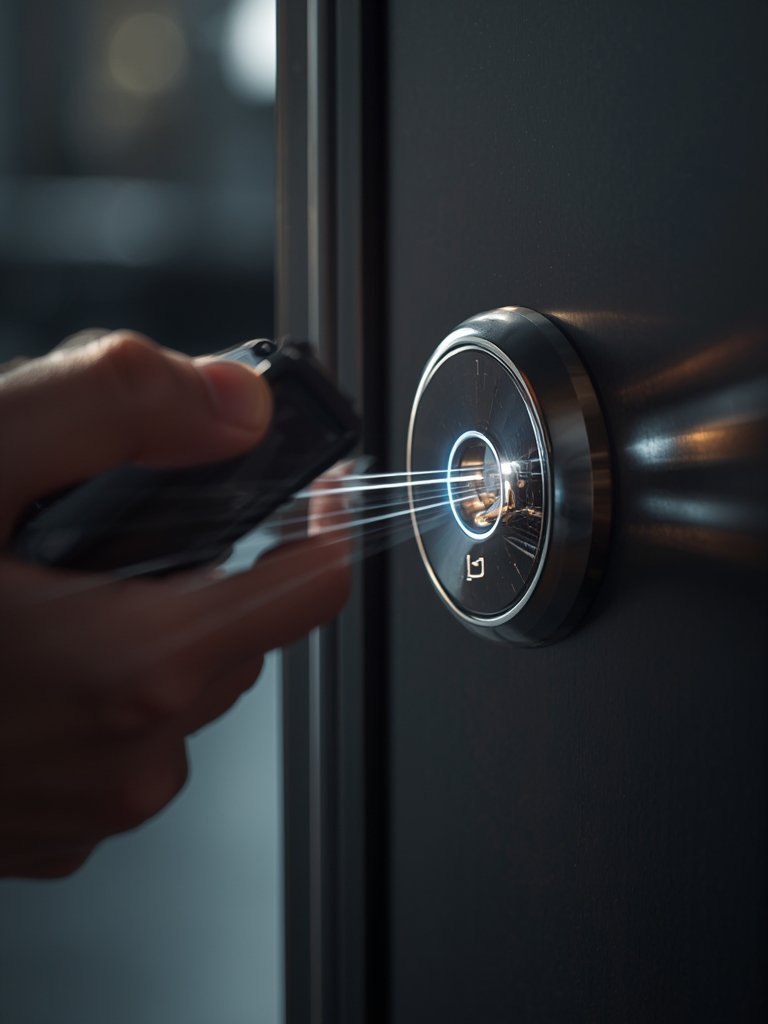
Want step-by-step guidance on smart home upgrades and related devices? Check out our 7 Smart Home Improvement Near Me Tips for more practical advice.
Advanced Analysis & Common Pitfalls of Optical Wireless Charging Smart Locks
Even though optical wireless charging smart locks sound ideal, the technology remains new and there are some caveats homebuyers and renovators should keep in mind:
- Installation complexity. The optical charging unit must be precisely aimed for reliable operation. Poor placement, obstructions, or misalignment can result in intermittent charging, defeating the promise of “zero maintenance.” There is little independent feedback yet on how easy self-installation is versus professional help.
- Home layout limitations. Only areas with a clear, unobstructed view between the wall unit and lock (within four meters) are eligible. Nonstandard entryways, glass doors, and strange angles can complicate alignment.
- Real-world reliability unproven. Manufacturer claims say these locks work regardless of weather or lighting. However, there is no third-party testing data on power or connectivity interruptions, especially in complex real-world situations (e.g. powercuts, Wi-Fi outages, or children moving furniture).
- Smart home integration friction. While Matter support is advertised, specific workflows and potential software bugs are not yet well-documented—unlike mature platforms such as Windows or Apple HomeKit, glitches may emerge during updates.
- Cost and value for money. The flagship Lockin V7 Max costs around $1,300, with upcoming models like Veno Pro Wireless set to launch at $350. Full comparative maintenance savings vs. cheaper battery models or solar smart locks have not been proven in the field.
| Feature | Optical Wireless Charging (V7 Max) | 3rd Gen Solar Lock (Aeon, Perovskite) | Conventional Battery Smart Lock |
|---|---|---|---|
| Continuous power | Yes (infrared beam) | Depends on light | No (needs manual recharging) |
| Weather dependence | No | Yes (cloudy/skylight limits) | No, but battery drains in cold |
| Maintenance required | Minimal | Occasional | Frequent (every 6-18 months) |
| Price range (USD) | $350–$1,300 | $200–$500 | $100–$300 |
| Biometric security features | Triple (vein, face, fingerprint) | Limited (fingerprint, keypad) | Limited (fingerprint, keypad) |
Homeowners should realistically weigh these pros and cons before upgrading. If you want more context on how innovative home tech stacks up or how to save on installations, our guides on content strategy and major home remodel savings provide actionable tips from other domains.

Conclusion
Optical wireless charging smart locks are the future of effortless and secure home access. They solve battery anxiety, offer industry-leading biometrics, and enable reliable operation in any lighting conditions. However, with higher costs, installation complexities, and the need for more long-term data, it is still wise to review your needs and home layout carefully. If absolute zero-maintenance is your goal, and you are comfortable with leading-edge tech, the optical wireless charging smart lock category deserves your attention in 2026.
Ready for a smarter, less stressful home? Compare your current setup carefully with the options above and bookmark our resources for regular smart home updates and new product guides.
FAQ
What is the range for optical wireless charging on smart locks?
The typical range for optical wireless charging is up to four meters, provided there is a clear line of sight between the charging unit and the smart lock.
What happens if something blocks the optical charging beam?
If the beam is blocked by an object, the lock switches to backup battery power. Prolonged obstruction may deplete the backup battery, so keeping the line of sight clear is important.
Can these locks be installed outdoors or on gates?
Manufacturer claims suggest reliable operation regardless of weather, but there is no independent verification yet. Installation on fully exposed outdoor gates may require additional weatherproofing and should be researched case-by-case.
Do optical wireless charging smart locks work with all smart home platforms?
The locks support platforms that are compatible with the Matter protocol, including Google, Apple, Amazon, and Samsung smart home ecosystems. However, actual user experiences with complex smart homes are not yet well-documented.
How much does an optical wireless charging smart lock cost?
Flagship models like the Lockin V7 Max retail for approximately $1,300, while new models such as the Veno Pro Wireless are expected around $350.
 Email Submit Button: “Get Free Guide Now”