

Edge AI home monitoring is rapidly changing how homeowners secure their properties, combining privacy, speed, and reliability by processing smart camera data locally instead of in the cloud. In 2024, more homeowners are ditching cloud subscriptions and centralized storage to take full ownership of their safety and privacy—yet many are unsure if edge AI is right for their situation.
Key Takeaways
- Edge AI home monitoring delivers real-time, private video analytics on-device, reducing reliance on the cloud and subscription services.
- Local AI security systems offer better privacy and data control but require higher upfront investment compared to cloud-only alternatives.
- Underserved features include offline multi-camera setups, true zero-subscription AI detection, and seamless integration for off-grid or rural homes.
- What Is Edge AI Home Monitoring and Why Does It Matter?
- How to Switch Your Home to Edge AI Monitoring: Step-by-Step Guide
- Advanced Analysis and Common Pitfalls (What to Watch Out For)
- Conclusion: Is Edge AI Home Monitoring Right for You?
- FAQ
What Is Edge AI Home Monitoring and Why Does It Matter?
Edge AI home monitoring means your cameras, sensors, and smart home devices process video and events directly on-site, using built-in artificial intelligence chips. This lets your system detect, alert, and record activity without constantly uploading data to the cloud or external servers.
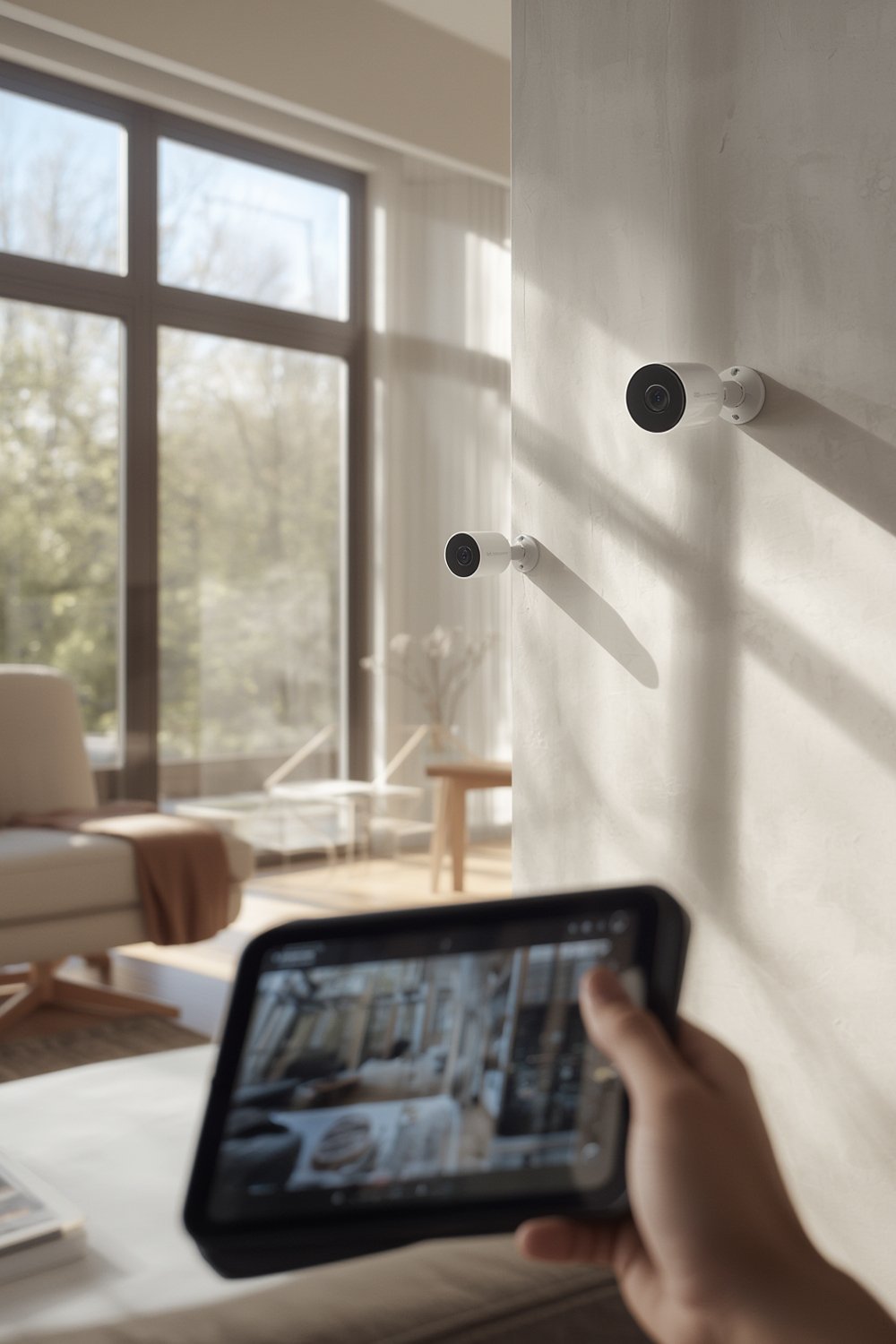
In 2024, over 60% of AI-powered residential security deployments favor on-premises edge processing—driven largely by privacy, speed, and compliance with rules that impact both homes and businesses. Edge AI minimizes the risk of data breaches, slashes video analytics latency to real time, and removes most subscription fees for AI features like person or vehicle detection.
Unlike cloud-based systems, edge AI home monitoring removes or drastically reduces reliance on outside servers. Your privacy improves because very little data leaves your property. This protects your family from the vulnerabilities of centralized data storage, which is a major concern with traditional smart home cameras relying solely on the cloud.
Edge AI is growing fast: the global market was valued at over $18 billion in 2024, on track for 20-25% year-over-year growth. Video surveillance and smart home security are now the biggest drivers, according to multiple industry reports and market research.
Why does this matter for homeowners? Edge AI offers:
- Immediate, private alerts (AI detection happens instantly and locally)
- Much lower risk of data leaks or cloud downtime
- No required AI subscriptions for detection/analytics
- Offline or internet-limited operation (important for rural or privacy-focused homes)
But there’s more to know, especially if you want seamless multi-camera integration, long-term storage, or advanced family monitoring without giving up privacy.
How to Switch Your Home to Edge AI Monitoring: Step-by-Step Guide
- Assess Your Needs
List what you want: AI person/vehicle alerts, offline access, multiple cameras, privacy-first family or pet detection, no recurring fees, etc. - Audit Your Network and Power
Ensure strong Wi-Fi or power-over-ethernet in camera locations. For rural or off-grid homes, plan for battery or solar and local storage solutions. - Choose True Edge AI Cameras/Sensors
Pick devices with on-device AI chips (look for Qualcomm, Ambarella, or similar). Avoid products that only “save to SD card” but still require the cloud for AI analytics. - Set Up Local Storage
Use devices with built-in SD cards or direct them to a local storage NAS or encrypted hard drive. Verify you can review video and search events without uploading data externally. - Configure Privacy and Alerts
Test all motion, person, vehicle, child, or pet detection locally. Adjust alert zones and sensitivities on-device, not in the cloud. - Integrate with local-only smart hubs
Connect your edge AI system with local-only smart hubs (e.g., Home Assistant, Hubitat) for automations, voice control, or integration with energy-saving tech like smart vents for home. - Maintain and Test Regularly
Set a reminder to check firmware, storage capacity, and hardware health every month. Run simulated alerts to ensure everything works offline if needed.
Want to go deeper with your smart home tech? Explore other privacy-centric home upgrades—such as 7 Smart Home Improvement Tips or automating wellness with circadian rhythm smart lighting.
Advanced Analysis and Common Pitfalls (What to Watch Out For)
While edge AI home monitoring offers unique benefits, real-life implementation is not always simple. Here are the most common pitfalls—and realistic limitations—owners should be aware of:
- Higher Upfront Costs: Edge AI cameras and local storage devices currently cost more than most cloud-only cameras, though there are no ongoing subscription fees for AI analytics.
- Hardware Compatibility: Not all devices advertised as “edge AI” work without a cloud connection for updates, alerts, or setup. Research chipsets, supported features, and actual offline functionality before buying.
- Underserved Features: Many top competitors do not offer seamless offline multi-camera integration, long-term storage exceeding a few days, or full AI detection without a paid plan—especially in the residential market.
- Setup Complexity: Configuring a truly cloudless, multi-camera system with local alerting and automations requires more technical know-how than plug-and-play cloud systems.
- Firmware Security: Regularly patching firmware is vital, since vulnerabilities can be exploited even for “local only” systems if your network is not secure.
Homeowners rarely complain about privacy or false alerts in edge AI setups, according to 2024 market research. However, technical issues like failed firmware updates or storage loss (e.g., SD card corruption) can occur if not monitored.
| Feature | Edge AI Home Monitoring | Cloud-Based Home Monitoring |
|---|---|---|
| Upfront Cost | Higher (AI hardware, storage) | Lower |
| Ongoing Fees | Usually None | Subscription Required |
| Privacy | Excellent (data stays local) | Variable (cloud storage vulnerable) |
| AI Detection Speed | Instant (low latency) | Delayed |
| Internet Reliance | Minimal or None | Always Required |
| Long-term Storage | Possible with sufficient hardware | Limited by subscription tier |
| Insurance/Legal Compliance | Better for privacy/data sovereignty | Higher scrutiny under data breach regs |
If you are seeking total, cloud-free home automation, check how edge AI fits with your other local systems. For example, privacy-focused users might also want touchless biometric access that stores all access data locally instead of using external databases.

Conclusion: Is Edge AI Home Monitoring Right for You?
Edge AI home monitoring is redefining security by giving homeowners real-time alerts, total privacy, and the freedom to cut monthly fees. While initial costs are higher, the long-term savings, data control, and comfort of knowing your footage never leaves your home are compelling reasons to choose this path. As the technology matures, expect even more options for customizable, no-cloud smart home security systems—just be sure to pick hardware and features that truly run locally.
If you want a resilient setup that protects your family’s privacy and keeps you in control, make Edge AI home monitoring your next upgrade. Take the first step toward a more private, future-proof smart home—and share your experiences or questions below.
FAQ
Is Edge AI home monitoring more secure than cloud-based systems?
Yes. By processing data on-device, edge AI reduces risks of cloud data leaks and gives you full control over your footage. Still, keep your devices updated and your network secured.
Do I need to pay monthly fees for AI analytics with local AI cameras?
No. Most true edge AI systems do not require monthly subscriptions for basic analytics like person, package, or vehicle detection. Always confirm the product does not rely on a cloud API for these features.
Will Edge AI monitoring work if my Internet goes out?
Yes—as long as your system and apps are designed for local use. Cameras with onboard AI and storage will continue to detect, record, and alert locally.
What are the downsides of switching to edge AI home monitoring?
Expect higher upfront costs, slightly more complex setup, and the need to monitor your own storage and firmware security. Feature parity with high-end cloud systems is still developing, especially for multi-camera offline integration and advanced user interfaces.
Can I combine edge AI with my existing smart home devices?
In many cases, yes—especially with open platforms like Home Assistant or Hubitat. However, some devices may not support local-only integration, so check compatibility before buying.
 Email Submit Button: “Get Free Guide Now”
[…] Pilot test and iterate. Monitor for false positives and missed events. Adjust placement, angles, or software zones as needed. For additional privacy and real-time edge analysis, consider dedicated solutions like those explored in our Edge AI home monitoring guide. […]
[…] with other smart home devices, such as Edge AI home monitoring or AI home assistants, for voice control or custom […]