

### Blog Post:
Conversational AI Home Assistant technology is transforming how we interact with our homes by bridging voice commands and natural, human-like dialogue. If you want your devices to do more than obey basic requests, understanding this new generation of AI assistants is essential.
Key Takeaways
- New conversational AI home assistants offer deeper automation, but face trust and privacy concerns among users.
- Alexa Plus and Gemini are raising the bar with proactive routines and multimodal features, though adoption for advanced tasks remains limited.
- Costs, privacy, and real-world performance are critical factors to weigh before deciding which AI assistant fits your home.
- The Core Concept: What is a Conversational AI Home Assistant?
- How to Get the Most from Your Conversational AI Home Assistant
- Advanced Analysis & Common Pitfalls
- Conclusion
- Frequently Asked Questions
The Core Concept: What is a Conversational AI Home Assistant?
A conversational AI home assistant is a device or software that uses natural language processing to understand and respond to spoken instructions in a lifelike, context-aware manner. Unlike traditional voice assistants locked into rigid commands, these new agents handle complex tasks, remember context, and even anticipate your needs.

In 2024–2025, nearly 50% of U.S. adults report using a voice assistant, with Alexa, Siri, and Google Assistant leading the market. However, only 23% use these assistants for smart home control, even as manufacturers redesign their platforms to offer truly conversational experiences [source]. The ambition: automate more of your routines, from setting reminders to managing the entire home environment without repeated prompting.
To see real-world automation in action, check out our guide to stair climbing robot vacuums for whole-home cleaning. This smart home upgrade pairs perfectly with your AI assistant strategy.
How to Get the Most from Your Conversational AI Home Assistant
Ready to unlock advanced capabilities in your home? Follow these steps to deploy, secure, and personalize your conversational AI for the best results.
- Choose the right platform for your needs
- Amazon Alexa Plus: Ideal if you want deep device integration, robust routines, and access to third-party services like OpenTable, Grubhub, or Uber Eats.
- Google Gemini: Perfect if you use lots of Google products and want voice plus visual interactions on your Android devices.
Both platforms now emphasize proactive automation and task autonomy.
- Set up your devices
- For Alexa Plus, install your Echo device (Dot, Show 8/10/15/21, or compatible JBL/Sonos hardware). Connect everything using the Alexa app or new browser interface at Alexa.com.
- For Gemini, ensure you have the latest Android updates. Activate Gemini in your Google Assistant settings, or access via Chrome or Gmail.
- Personalize routines and integrations
- Use your platform’s app to build smart home routines. Try creating routines that trigger when you arrive home, adjust lights at sunset, or order groceries when you’re low.
- Take advantage of context awareness—Gemini can track up to a million tokens of dialogue, supporting richer, ongoing interactions [source].
- Secure your environment
- Regularly audit privacy and sharing controls in both Alexa and Google settings. Limit voice data storage, use voice profiles, and disable unnecessary integrations.
- Push beyond basics
- Try advanced natural language commands instead of “turn on the lights.” For example, “Alexa, set the mood for movie night, and order my usual pizza.” Or, “Hey Gemini, prepare the house for visitors and suggest playlists.”
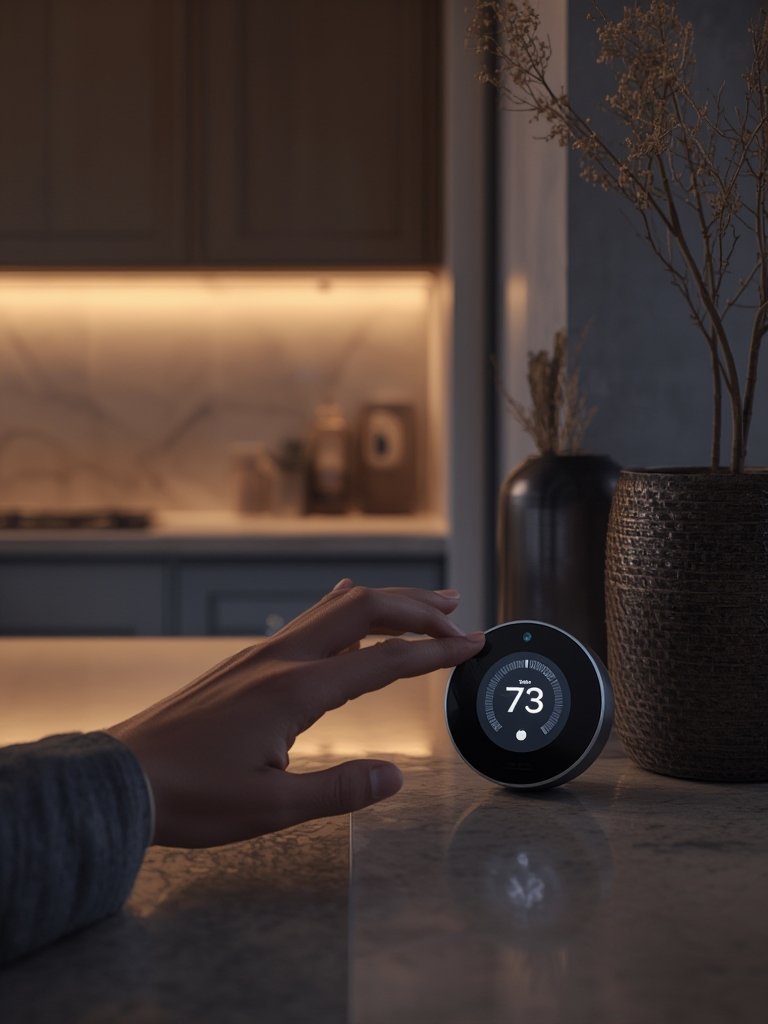
Not sure where to find smart devices or automation ideas? Browse our smart home improvement tips for inspiration on maximizing AI in your living space.
If privacy is a top concern, remember that Gemini is positioned as the leader in privacy features inside the Google ecosystem [source]. However, always verify which data storage features are enabled after each major update.
Integrate your assistant deeper into daily life by pairing it with cleaning or climate devices. For whole-home energy upgrades, see our renewable energy guide for ideas that smart assistants can help manage.
Advanced Analysis & Common Pitfalls
Even the best conversational AI home assistants are not perfect. User research and industry reports show that people run into common issues, and there are crucial differences between platforms.
Main Pitfalls
- Privacy Worries: 73% of users are anxious about data privacy and how much information assistants store or transmit [source].
- Routines Limited by Compatibility: Some integrations (e.g., smart locks, cameras) may not work across platforms or require additional apps.
- Performance Gaps: Alexa Plus has faced delays due to internal accuracy and functionality issues. Gemini touts a 35% accuracy boost but lacks transparent, third-party benchmarking data [source].
- Cost Resistance: Most users—over half—are unwilling to pay for premium features, which affects how fast advanced features roll out.
- Lack of Advanced “AI Butler” Features: Despite marketing, neither assistant currently delivers on fully autonomous, home-managing AI butler claims for 2026.
| Feature | Alexa Plus | Google Gemini |
|---|---|---|
| Proactive Automation | Predictive routines, shopping, autonomous task handling | Advanced multimodal automation, context-aware assistance |
| Device Integration | Echo devices, some third-party support | Deep Android ecosystem, Google-first devices |
| Subscription Cost | Free with Prime, $19.99–$20/month for non-Prime | Not specified; presumed free with Google account |
| Privacy | Notably lacking in detailed transparency upgrades | Touted as a leader within Google’s privacy controls |
| Accuracy & Performance | Ongoing revisions, previously failed internal accuracy tests | 35% improved over previous Google models |
| True “AI Butler” Features | Projected for 2026; not present now | No evidence of full “AI butler” capability |
Curious how these assistants compare to Apple’s evolution? See our iPhone 16 future guide or look back at the iPhone 14’s evolution for lessons on ecosystem lock-in and upgrades.
Industry Perspective
Research in the enterprise sector is promising. Forrester’s 2024 study found that conversational AI assistants reduced manual tasks by 60% in business environments, while IDC predicts a 70% adoption rate for AI scheduling systems by next year. However, at the consumer level, there is a lack of transparent third-party studies showing whether these LLM-driven assistants truly outperform simpler voice command systems in the home.
For workflow optimization tips you can use today, read our SEO content optimization tips—many of these automation principles apply to managing your smart home too.

Conclusion
In summary, conversational AI home assistants like Alexa Plus and Google Gemini are pushing the limits of what voice automation can do inside the home. They now handle complex routines, pull in data from a variety of platforms, and promise richer, more natural interactions. However, privacy anxieties, cost hesitations, and missing next-generation “AI butler” features suggest it’s smart to keep expectations realistic as these tools mature. If you’re ready to experiment, the Conversational AI Home Assistant revolution is accessible—but stay alert to evolving privacy settings and always demand transparency. Start small, automate step by step, and share your experiences for a smarter, safer home.
Curious about the next frontier in smart living? Test drive an AI assistant, share your feedback with us, and explore more practical smart home guides today.
Frequently Asked Questions
What makes a conversational AI home assistant different from a regular voice assistant?
Conversational AI home assistants use advanced language models to understand context, remember past interactions, and automate multi-step tasks. Regular voice assistants typically require simple, direct commands and offer less flexibility.
Can I use a conversational AI home assistant with non-Echo or non-Google devices?
Yes. Alexa Plus supports certain third-party devices like Nest Hub Max and Sonos speakers. Gemini primarily works on Android, but its integration is expanding. Always check compatibility before buying.
Are there added costs to using Alexa Plus or Gemini for home automation?
Alexa Plus is free for Prime members, but costs $19.99–$20 per month otherwise, plus hardware. Gemini has no announced subscription cost but may be included within other Google services. Always factor in device costs as well.
Is my data safe with these assistants?
Data privacy varies by platform. Gemini is known for strong privacy controls within Google’s settings. Alexa Plus lacks detailed transparency on recent privacy upgrades. Always review your privacy options at every upgrade or new install.
Will these assistants ever truly replace a human “AI butler”?
Not yet. Despite marketing claims, neither Alexa Plus nor Gemini currently provide the fully autonomous, proactive management expected from a “true AI butler.” Improvements are ongoing but expectations should be realistic for now.
 Email Submit Button: “Get Free Guide Now”
[…] to learn how tech can transform more than just your lighting? Read our guide to conversational AI home assistants or check out these cozy home decor upgrades that combine comfort with smart […]
[…] don’t miss our guide to robot vacuums for stairs and multi-level cleaning and our deep dive on AI-powered home assistants—helping you build a truly future-ready smart […]
[…] with other smart home devices, such as Edge AI home monitoring or AI home assistants, for voice control or custom […]